Local Web UI
Start the Gradio application from the installed project environment:
poremind-ui
# Or run from the source tree:
python -m ui.app
The UI opens a browser automatically. If it does not, visit http://127.0.0.1:7860/.
The interface has nine steps:
- Import — load ABF/CSV files and assign sample annotations.
- Preprocess — denoise and inspect signals.
- Pre-Events — tune detection parameters on a short interval.
- Events — run full-trace event detection.
- Features & Filter — calculate event features and filter low-quality events.
- Reduction — view PCA, t-SNE, or UMAP projections.
- Train Model — train classical or DL models.
- Predict — load a saved model and classify new samples.
- Export — save selected results and analysis settings.
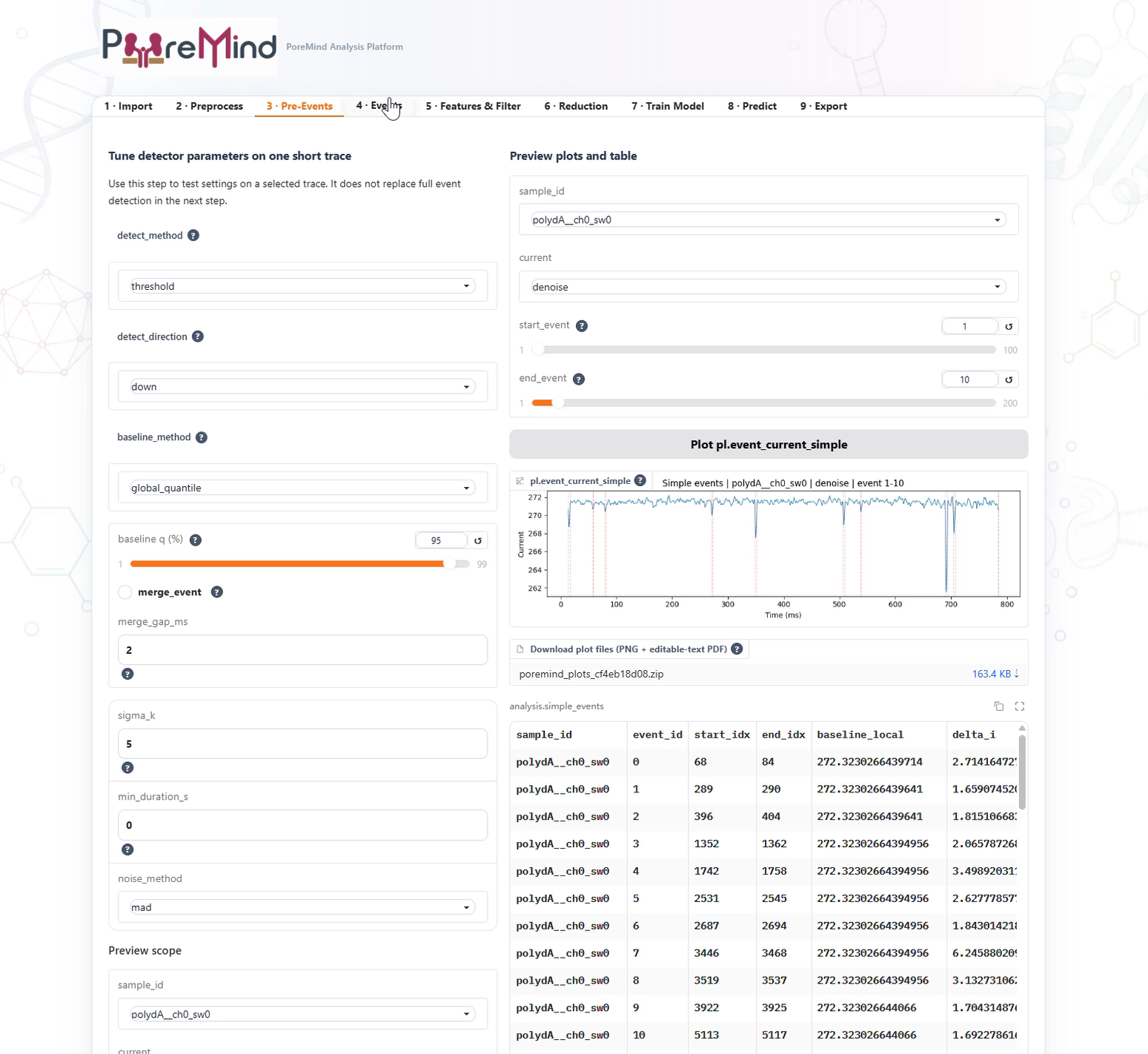
See the local Web UI video demonstration on YouTube.